
A coordination system, not a donation page: what fundraising software should actually do
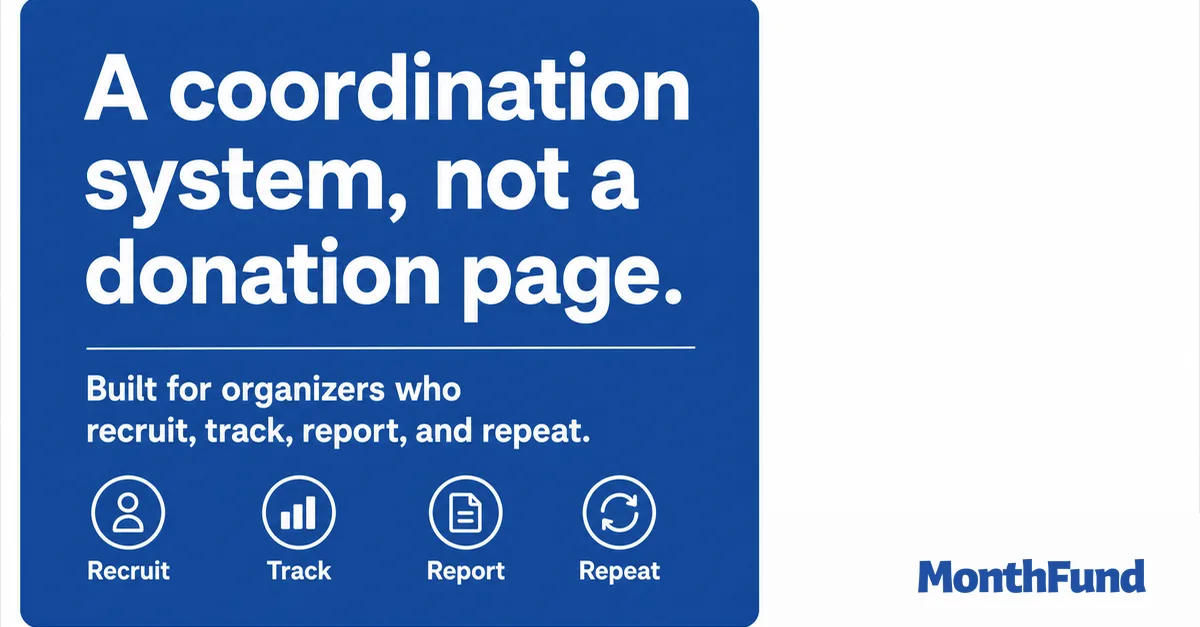
Every fundraising platform can take a card payment. That part is solved. The part that is not solved is everything around the payment: recruiting the people who will actually ask, seeing who is carrying the campaign and who has gone quiet, and handing your board a report they can read in a minute. That is the difference between a donation page and a coordination system.
“A donation page collects money from people who already decided to give. A coordination system runs the campaign that creates those decisions: it recruits and tracks participants, shows live progress to everyone, produces board-ready reports, and makes next year a template instead of a rebuild. If one person shares one link once, a donation page is enough. The moment multiple people fundraise together, coordination is the product.”
A donation page makes one assumption: that the donor has already decided to give. Its job is to not lose them between decision and receipt. That is worth doing well, and nearly every platform now does.
But group fundraising fails earlier in the chain. It fails when nobody recruits enough askers, when participation quietly dies in week two, and when the treasurer cannot say what actually happened. Those are coordination problems, and a checkout cannot solve them. Here are the four jobs a coordination system does that a donation page does not.
Recruiting is the real work
The strongest predictor of a group campaign's outcome is how many people are actively asking. One shared link caps that number at one, because every share is the same page with the same appeal. Recruiting a cohort only works when each participant gets their own page: their name, their reason, their network. A coordination system treats invitations, sign-ups, and per-participant pages as the core workflow, with a roster showing who is invited, who accepted, and who is funded.
Tracking keeps the month alive
Campaigns stall silently. A donation page shows a total; it cannot tell you that nothing has happened for four days or that three of your ten participants have never shared their link. Live tracking, a fill rate, per-participant activity, a visible grid, turns the campaign into something everyone can watch and the organizer can act on. It is why the public calendar structure outperforms a bare goal meter, and it is what makes an intervention rule like the 3-Day Rule possible at all.
Reporting closes the loop
Every campaign ends with the same questions: how much, from whom, and where is the export. On a bare donation page, answering means spreadsheet archaeology. A coordination system produces the answer as a byproduct: totals, donor lists, per-participant performance, and CSV or PDF exports a treasurer can attach to the minutes. Boards fund what they can read.
Repeating is where the value compounds
A one-off campaign justifies one-off tooling. But schools, teams, and congregations fundraise every year, and the second year should not start from zero. Saved campaign templates, a participant roster that carries over, and last season's numbers as this season's baseline are what turn fundraising from an annual scramble into a program. This is also the honest lens for comparing platforms: free tip-funded pages are fine for one-off drives, while repeat programs benefit from coordination depth, a distinction that matters more than the sticker price. For how platforms actually charge, see the three revenue models.
When a donation page is enough
To be fair to the humble page: if one person needs to collect money once, from people already inclined to give, a simple donation page is the right tool, and adding coordination features would just be friction. The test is headcount. One asker, one link: page. Many askers, one goal: system.
Next steps
If your next campaign involves more than one fundraiser, look at what MonthFund's coordination tooling includes, then launch a free campaign and invite your first participants. The launch checklist walks the setup in order.
How much can your community raise?
Use our interactive calculator to model your potential outcomes based on participant count and fill rate.
Ready to launch?
Set up your first fundraiser in under 10 minutes. No credit card required.
Common Questions
What is the difference between a donation page and fundraising software?
A donation page is a checkout: a form where a supporter enters an amount and pays. Fundraising software in the fuller sense coordinates a campaign: participant recruitment and individual pages, live progress everyone can see, reminders and activity tracking, and reporting at the end. The page collects; the system organizes the people doing the collecting.
When is a donation page not enough?
The moment more than one person is fundraising toward the same goal. With a single shared page, you cannot see who recruited whom, which participants have gone quiet, or how much of the goal each person carried. Group campaigns for schools, teams, and congregations stall on exactly that invisibility.
What features should group fundraising software have?
Four jobs: recruiting (invite tracking and a page per participant), live tracking (fill rate and per-person progress visible in real time), reporting (totals, donors, and exports a treasurer can hand to a board), and repeatability (templates so next season starts from last season instead of from zero).
Is free donation page software good enough for a school or team?
For a single collection with one link, often yes. For a coordinated campaign, compare on the coordination features, not the price of checkout. Also read the pricing model carefully: many free pages are funded by donor tips at checkout, which your donors pay even when the software is free to you.
Keep Exploring
View all posts →Calendar fundraiser vs. spreadsheet and payment link
A spreadsheet and Venmo link can work for a tiny campaign. Compare the actual operating work: duplicate claims, receipts, participant links, and closeout, then choose the least complex system that can do the job.
How Fundraising Platforms Make Money: The 3 Revenue Models Explained
A plain-math guide to how fundraising software companies generate revenue: platform fees, donor tips, and processing markups. Understand what you are actually paying.
How calendar fundraisers fit with galas, catalogs, and other fundraising (toolkit, not replacement)
MonthFund is one powerful layer in a larger toolkit. See how a calendar month complements product sales, ticketed events, and open donate pages, with patterns you can use around a 5K or gala.