Interim Collection: Held Funds
Start collecting before Stripe Connect is complete (eligible orgs only).
Interim Collection: Held Funds Before Stripe Connect
Start collecting donations before Stripe Connect is complete using MonthFund as your limited payment agent.
Overview
Normally, you need to complete Stripe Connect before your campaign can accept donations. But some eligible organization workspaces can start collecting sooner.
Interim collection lets MonthFund act as your organization's limited payment agent. Donations are collected and held securely until you finish Stripe Connect. Once connected, the held funds transfer to your bank account.
Who can use interim collection?
- Organization workspaces only. Personal (individual) fundraisers cannot use this feature — they must connect Stripe before accepting gifts.
- Eligible organizations. The option only appears in Settings for qualifying workspaces. If you don't see it, proceed with standard Stripe Connect.
Important: You still need Stripe Connect
Interim collection is a bridge, not a replacement. Held funds cannot be deposited to your bank until you complete Stripe Connect. Don't delay — finish Connect to claim what you've raised.
Step 1: Check if your organization qualifies
- Log in to your org hub dashboard.
- Go to Settings in the sidebar.
- Scroll to the Stripe section.
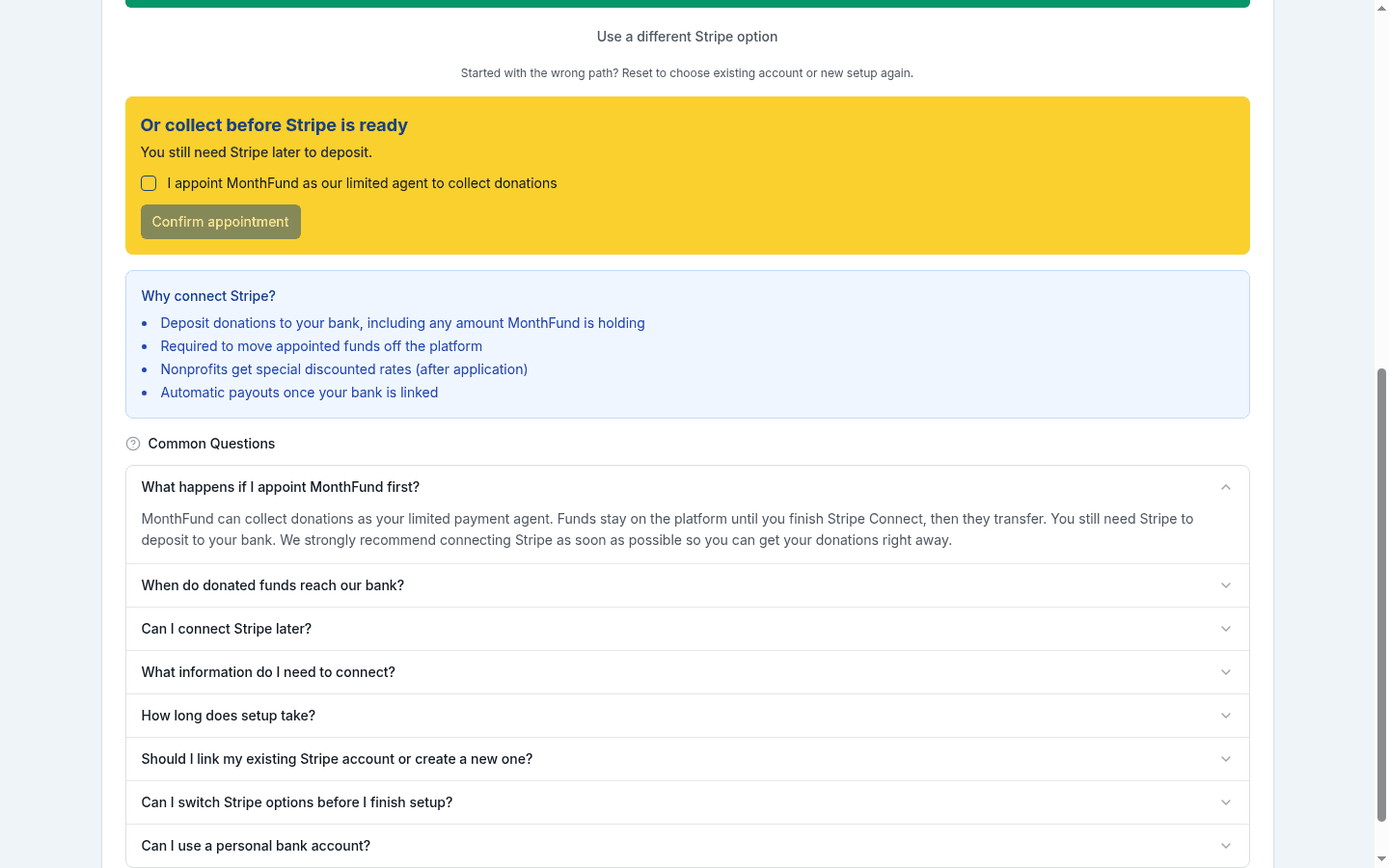
If your organization is eligible, you'll see an option to enable interim collection or appoint MonthFund as your limited payment agent.
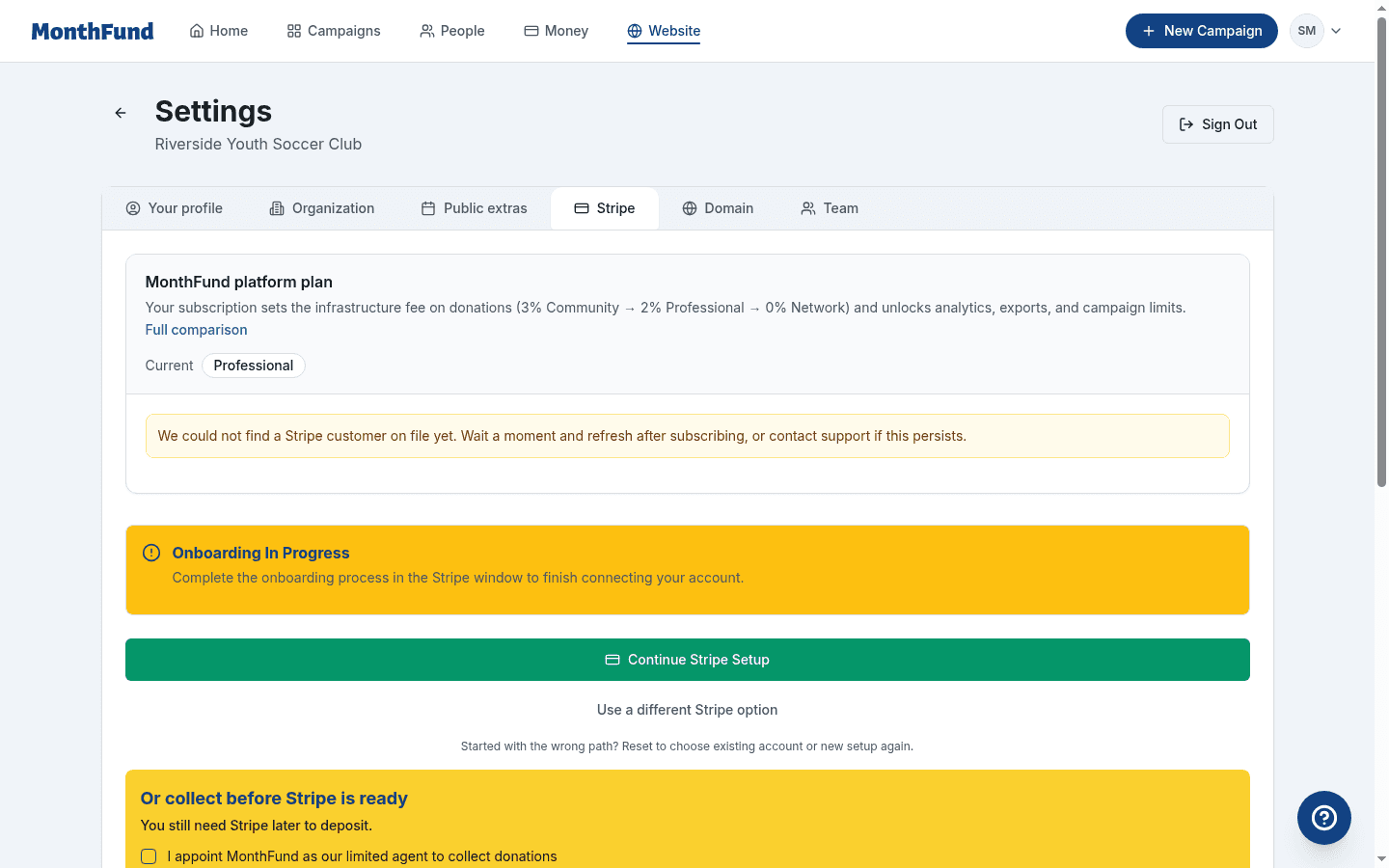
Don't see the option? Interim collection is only available for eligible organization workspaces. If you don't see it, complete Stripe Connect using the standard process. See Connect Stripe to Your Organization.
Step 2: Review and accept the appointment
- Read the terms explaining how MonthFund acts as your limited payment agent.
- Check the box or click the button to accept the appointment.
- Your acceptance is recorded with a timestamp.
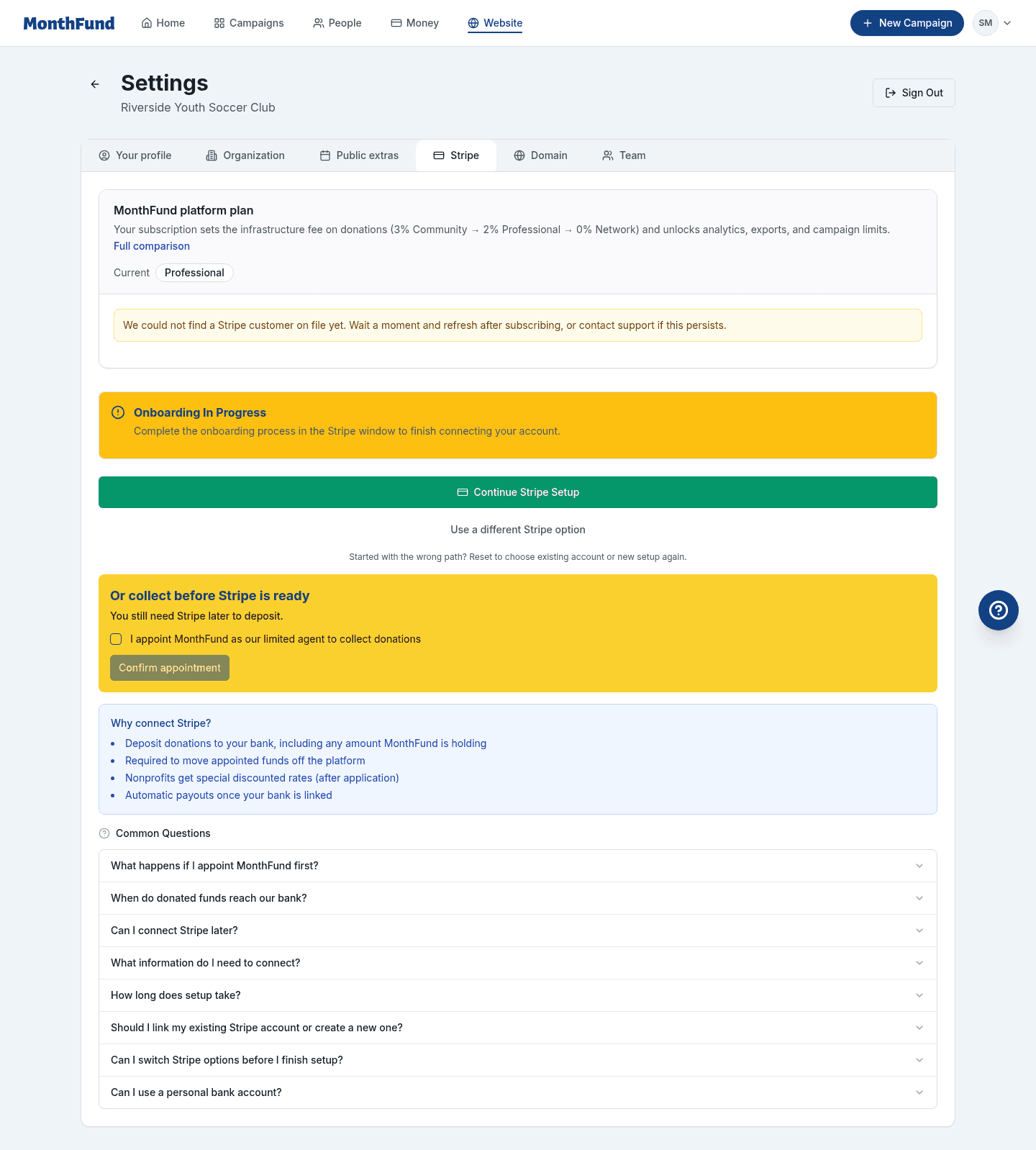
This grants MonthFund permission to collect donations on behalf of your organization and hold them until you complete Stripe Connect.
Step 3: Start collecting donations
Once you've accepted the appointment:
- Your campaign can accept donations immediately.
- Donors complete checkout as normal — they won't see any difference.
- Funds are held securely by MonthFund.
What donors experience
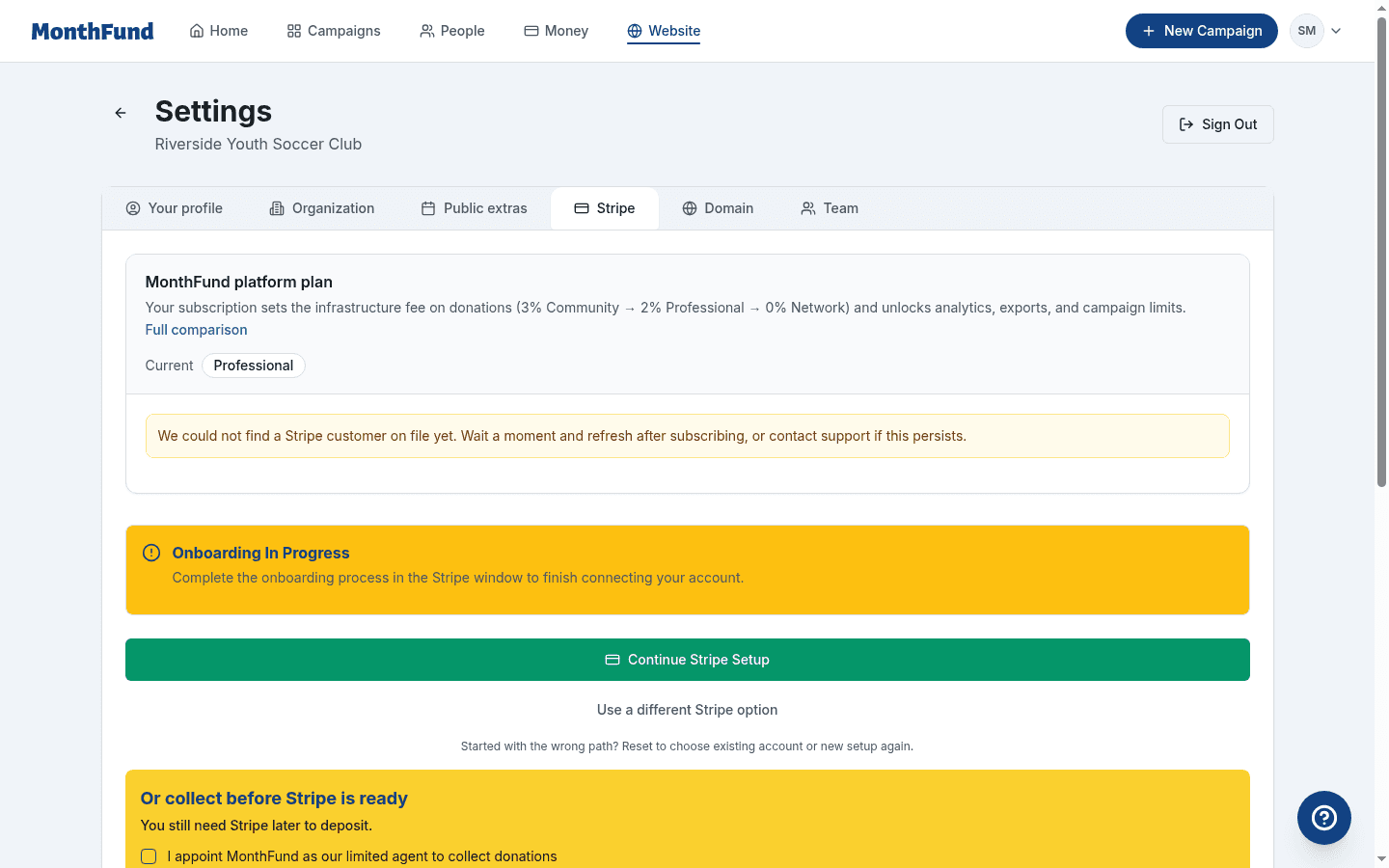
Donors claim days and pay through Stripe Checkout just like any other campaign. They receive confirmation emails and their names appear on the calendar. The experience is identical to a fully connected organization.
Step 4: Track held funds in your dashboard
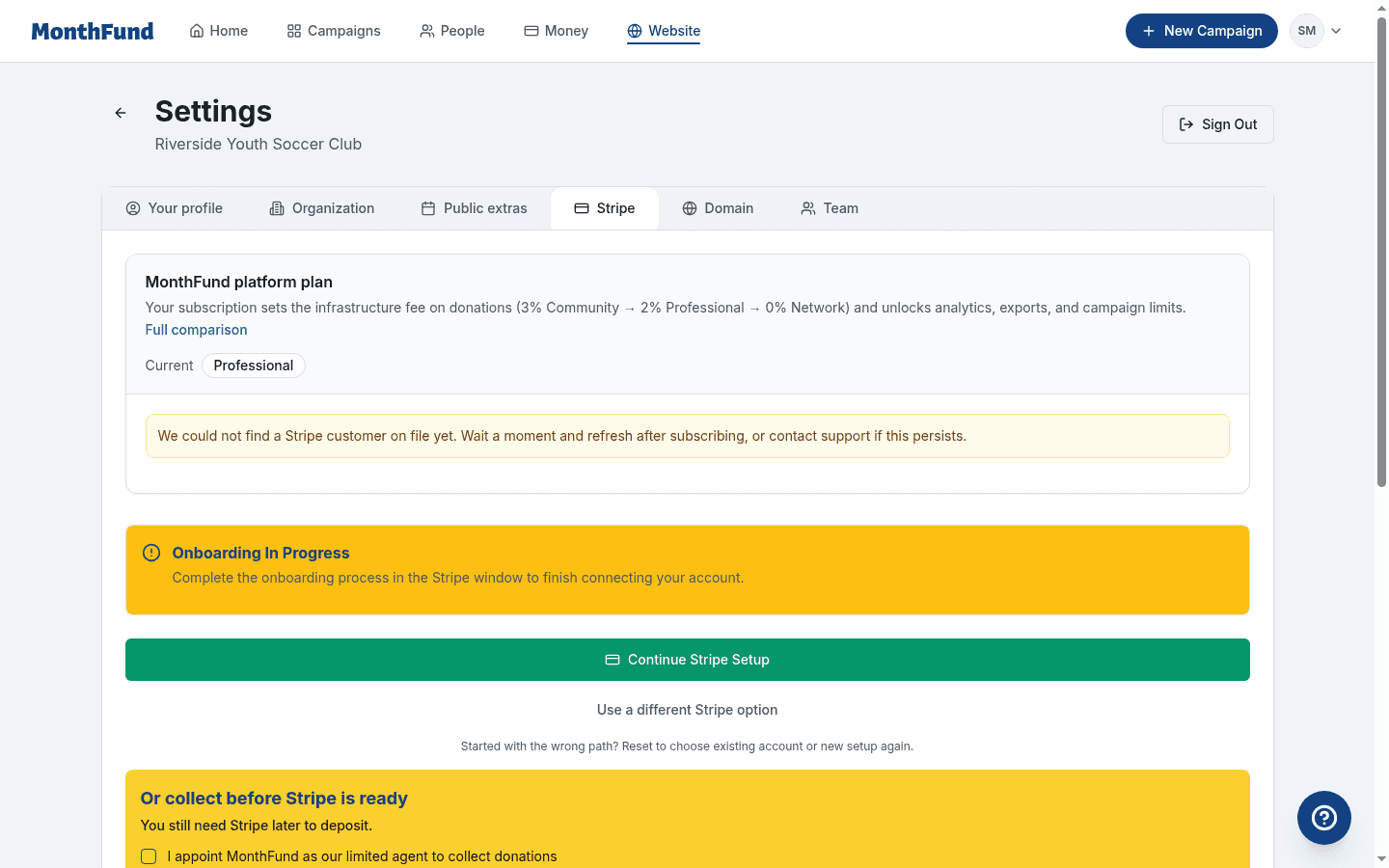
Your dashboard shows:
- Total held — The amount collected while Stripe Connect is incomplete
- Claim funds CTA — A reminder to complete Stripe Connect
- Donation activity — Recent gifts appear in your ledger as usual
Step 5: Complete Stripe Connect to claim your funds
Held funds transfer to your bank account only after you complete Stripe Connect:
- Go to Settings → Stripe.
- Click Connect Stripe Account.
- Complete the Stripe onboarding process.
- Once your account is verified and payouts are enabled, held funds transfer automatically.
See Connect Stripe to Your Organization for detailed Stripe setup instructions.
Email reminders
MonthFund sends multiple reminders to help you claim your funds:
| Timing | |
|---|---|
| First held donation | Notification that funds are being held |
| Mid-campaign | Reminder to complete Stripe Connect |
| Campaign end | Prompt to claim before the holding period expires |
| Post-campaign | Final reminder with held balance |
You'll receive at least four emails throughout the process. These stop once Stripe Connect is complete.
Understanding the holding period
Held funds have a time limit. If you don't complete Stripe Connect within the allowed window:
- Dormancy period: After an extended period (typically 90 days), unclaimed funds may be automatically refunded to donors.
- Complete Connect promptly: Don't wait until the last minute. Finish Stripe setup as soon as you can.
Your dashboard and emails will show deadlines and status.
Fees for held funds
The same fees apply whether funds are held or deposited directly:
| Plan | Infrastructure fee |
|---|---|
| Community (free) | 3% |
| Professional ($49/mo) | 2% |
| Network ($199/mo) | 0% |
Stripe processing fees (typically 2.9% + $0.30) also apply and are collected at checkout time.
Troubleshooting
I don't see the interim collection option
Interim collection is only available for:
- Organization workspaces (not personal fundraisers)
- Eligible organizations as determined by MonthFund
If you don't see the option, proceed with standard Stripe Connect. You can still prepare your campaign, invite fundraisers, and share links — just complete Connect before donations can be processed.
Donations are failing even though I accepted the appointment
- Confirm your acceptance was recorded — check Settings → Stripe for status.
- Refresh the page and try again.
- Contact support if the issue persists.
How do I know how much is being held?
Your dashboard displays the held balance. You'll also receive email notifications after donations are processed.
What if I never complete Stripe Connect?
Unclaimed funds are eventually refunded to donors after the holding period expires. Complete Stripe Connect to keep the donations your supporters gave.
Can personal fundraisers use interim collection?
No. Personal (individual) fundraisers must connect their own Stripe account before accepting gifts. The interim collection option is only available for organization workspaces.
Plan gates and limits
| Feature | Community | Professional | Network |
|---|---|---|---|
| Interim collection (if eligible) | Yes | Yes | Yes |
| Infrastructure fee | 3% | 2% | 0% |
| Stripe Connect required for payouts | Yes | Yes | Yes |
Next steps
- Accept the appointment if you see the option in Settings.
- Share your campaign and start collecting donations.
- Complete Stripe Connect as soon as possible to claim your funds.
- Invite fundraisers to carry personal calendars. See Invite Fundraisers to Your Campaign.
Related resources
Questions? Visit the Help Center or contact support.