
Paper vs Digital Pick-a-Date: Messages That Fill Days
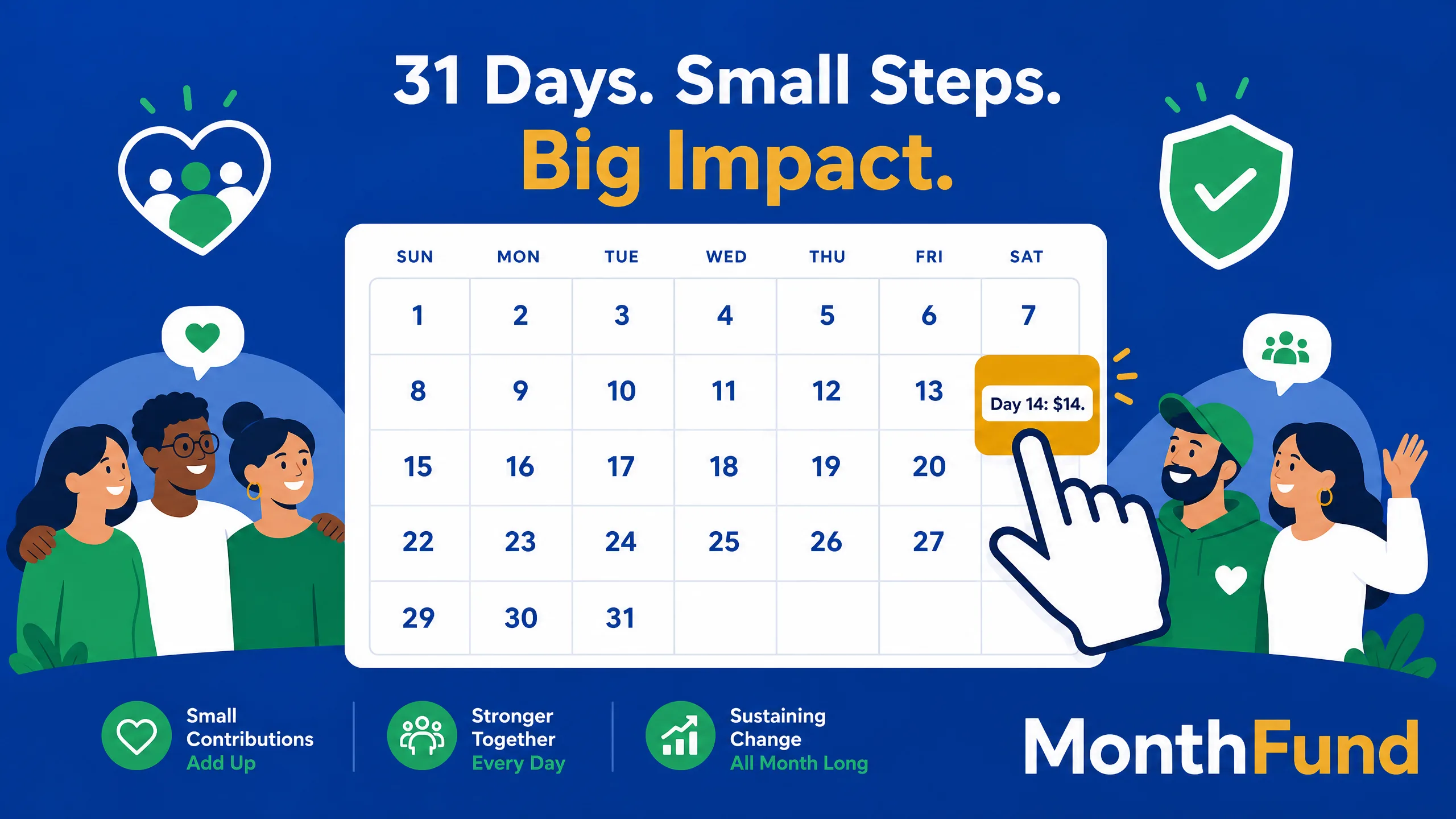
Paper and PDF templates still win a lot of search attention — and they should, as a starting point. What most template posts under-serve is the messy middle after someone prints the grid. This post owns that lane: paper calendars, Venmo chasing, and the messages that get a day claimed on a live digital calendar.
“Paper versions stall on photos and Venmo follow-ups. A digital calendar updates when someone pays — that is the ops contrast in one line (photo/Venmo chase vs live digital claim). Use launch, mid-month, and last-days messages, then send people to their own personal link. For definition and face-value math ($496 on a 31-day calendar as a planning baseline), see the pillar and calculator.”
Looking for the model explainer?
On MonthFund's organization-led campaigns, each community fundraiser shares their own personal calendar; donors claim open days (Day N = $N or more). Paper kits and peer-payment apps still show up in schools and booster chats. Here is how digital changes the ops load, and what to say at launch, mid-month, and in the last days.
Organizers launch a month, fundraisers each share a calendar, donors claim days, and progress stays visible until the month fills.
Paper logistics
What usually breaks on paper
- Someone photographs a grid; the photo goes stale the same afternoon
- Two donors "take" the same day in different text threads
- Cash/Venmo/Zelle reconciliation lives in a spreadsheet only one parent understands
- End-of-month chasing is personal and awkward
If you must run a paper week (transition tip)
- Print one grid per fundraiser (mirrors the digital personal-calendar model — do not run one communal paper poster as the system of record)
- Mark days pencil-only until payment is confirmed
- Move confirmed gifts to the digital calendar the same day
- Retire the paper grid once the fundraiser's link is live
Digital advantage in one line: the grid updates when payment clears, so the public scoreboard and the money stay aligned — unlike a group-chat photo of a paper calendar or a Venmo memo that never marks Day 12 claimed.
Venmo and peer-payment chasing
Peer apps feel easy; ops cost shows up later.
- No automatic day claim on the MonthFund grid
- Refunds and wrong amounts are manual
- Organizers lose a clean donation ledger
Practical rule: Prefer the fundraiser's MonthFund link for new gifts. If someone already paid via Venmo, record it offline once, thank them, and ask future donors to use the link so the calendar fills in public. Do not promise that peer-app gifts will appear on the grid automatically.
Photo / Venmo vs live digital claim
A texted photo of a paper grid and a Venmo payment create two separate truths. A digital claim creates one — day marked, money recorded, thank-you path clear.
Message templates that fill days
Tone: warm, specific, low pressure. Each fundraiser sends from their calendar link. (This is the execution layer template posts rarely ship.)
Launch (Day 1–3)
Hey — I'm helping [Org] this month with a calendar fundraiser. I have my own month calendar; friends claim open days (Day 12 = $12 or more, and so on). If you can grab a day on my page, it would mean a lot: [personal link]
No pressure if now's not a good time — thank you either way.
Launch (short SMS)
My [Org] calendar is live. Claim any open day (Day N = $N+): [link] 💛
Mid-month (when ~40–60% filled)
Quick update: my calendar is partly filled and a few great days are still open. If you've been meaning to help [Org], claiming a day takes a minute: [link]
Thank you to everyone who's already jumped in.
Mid-month (nudge a close friend)
Would you take Day [N] ($[N]) on my [Org] calendar? Link: [link] — totally okay if not!
Last 5 days
We're in the last stretch for [Org]. A few open days are left on my calendar — claiming one still helps us finish strong: [link]
Grateful for any day you can take.
Last 48 hours
Final nudge from me on the [Org] calendar — if you can claim an open day before month ends, here's my link: [link]. Thank you for considering it.
Thank-you (after a gift)
Thank you for claiming Day [N] for [Org]. It shows on my calendar and it matters. You're the best.
Organizer → fundraisers (activation)
Your personal calendar link is ready. Please send one launch text today — templates are in your dashboard Share Toolkit. Donors claim days on your calendar; you don't have to cover the whole month alone.
Next steps
Roles & math: Pick a date fundraiser
Model your numbers: Calculator
Fees / plans: Pricing
Setup flow: How it works
Platform landscape: Compare · Best platforms 2026
How much can your community raise?
Use our interactive calculator to model your potential outcomes based on participant count and fill rate.
Ready to launch?
Set up your first fundraiser in under 10 minutes. No credit card required.
Keep Exploring
View all posts →Calendar Fundraiser Roles: A People-Powered Guide
Clarify the organizer, community fundraiser, and supporter roles that turn many personal asks into one clear shared campaign.
Pick a Date to Donate: Supporter Guide
Learn how to choose an open date, give its suggested amount or more, and understand the claim-a-day experience before donating.
Calendar fundraiser template: the grid, the pricing, and the messaging, ready to copy
Everything you need to build a calendar fundraiser today: the 31-day grid layout, three pricing ladders with their totals, the header copy, and the tracking sheet. Recreate it in any doc or spreadsheet in twenty minutes, or run the same structure digitally.